# Text Alignment
Each text object has an overall alignment, but you can override this with `` tags. All [horizontal alignment options](TMPObjectUIText.md#alignment) are available except for **Geometry Center**.
Normally you put these tags at the start of a paragraph. Successive alignment scopes don't stack. If you put multiple alignment tags on the same line, the last one overrides the others.
The closing `` tag reverts back to the object's overall alignment.
**Example:**
```
Left-aligned
Center-aligned
Right-aligned
Justified: stretched to fill the display area (except for the last line)
Flush: stretched to fill the display area (including the last line)
```
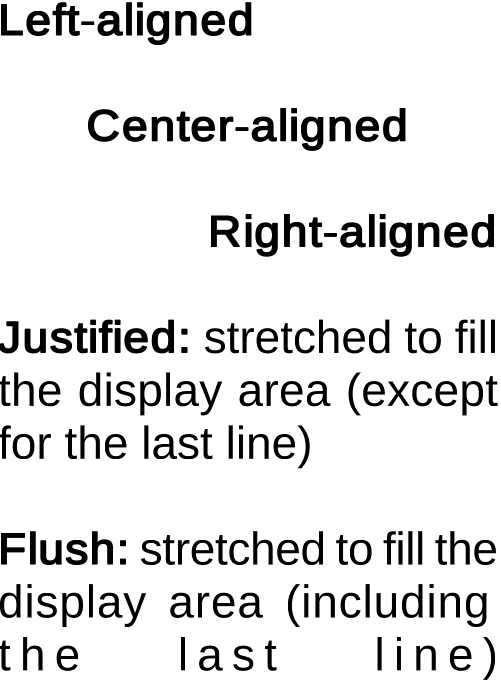
_Text Alignment_